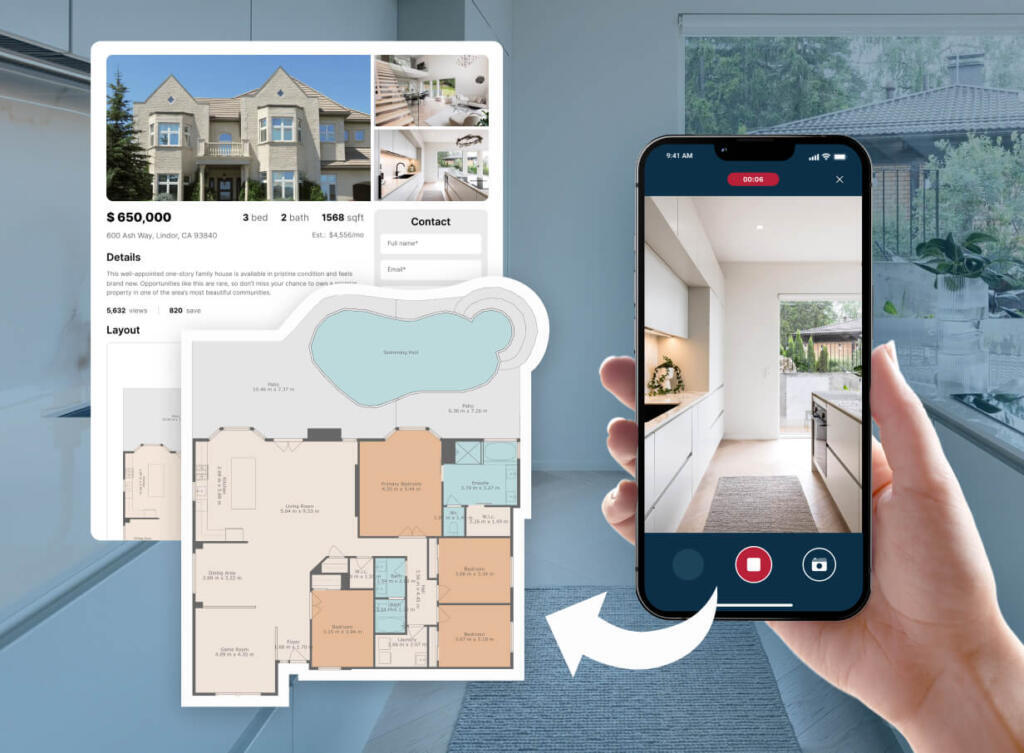

To Register for CubiCasa
To Register for CubiCasa
Here are the steps to register with CubiCasa using your referral link:
- Sign up directly using this link or using the QR code.
- Enter your email address and create a password that is 8–20 characters long, including at least one number, one uppercase letter, one lowercase letter, and one special symbol.
- Choose your role: either agent or appraiser.
- Enter your company name, MLS Login ID, agree to the Terms of Service, and click Continue.
- Verify your account via the confirmation email.
- Download the CubiCasa app from your app store, log in with the credentials you just created, and start scanning!
CubiCasa Webinar
CubiCasa Monthly 101 Class: Learn to Create Free & Easy Floor Plans in Minutes!
Oct 14 @ 02:00 PM
We’ll cover: Engagement: Why floor plans drive more consumer traffic than photos alone.Ease of Use: No training required! Anyone can scan a home in 5 minutes & have your marketing material in less than 24 hours! The Bottom Line: Easy to use, improves listing performance, free floor plan option, discounts for MLS partners on paid products!