
Remine Pro + Docs+
Smarter data. Faster decisions. Seamless transactions.
Hive MLS is excited to provide brokers and agents with access to Remine Pro and Remine Docs+, a powerful, all-in-one solution designed to help you uncover opportunities, engage clients, and streamline transactions from start to finish.

Special Session:
Steps to Building Your First Real Estate Team
- Avoid expensive hiring mistakes that leave you carrying the costs while agents underperform.
- Learn how to find and vet the right people so you spend less time recruiting people who don’t last.
- Establish clear standards and effective onboarding processes without draining your time and energy.
- Build a team designed to create leverage, stronger income, and a better work-life balance.
Transition to Remine Docs+
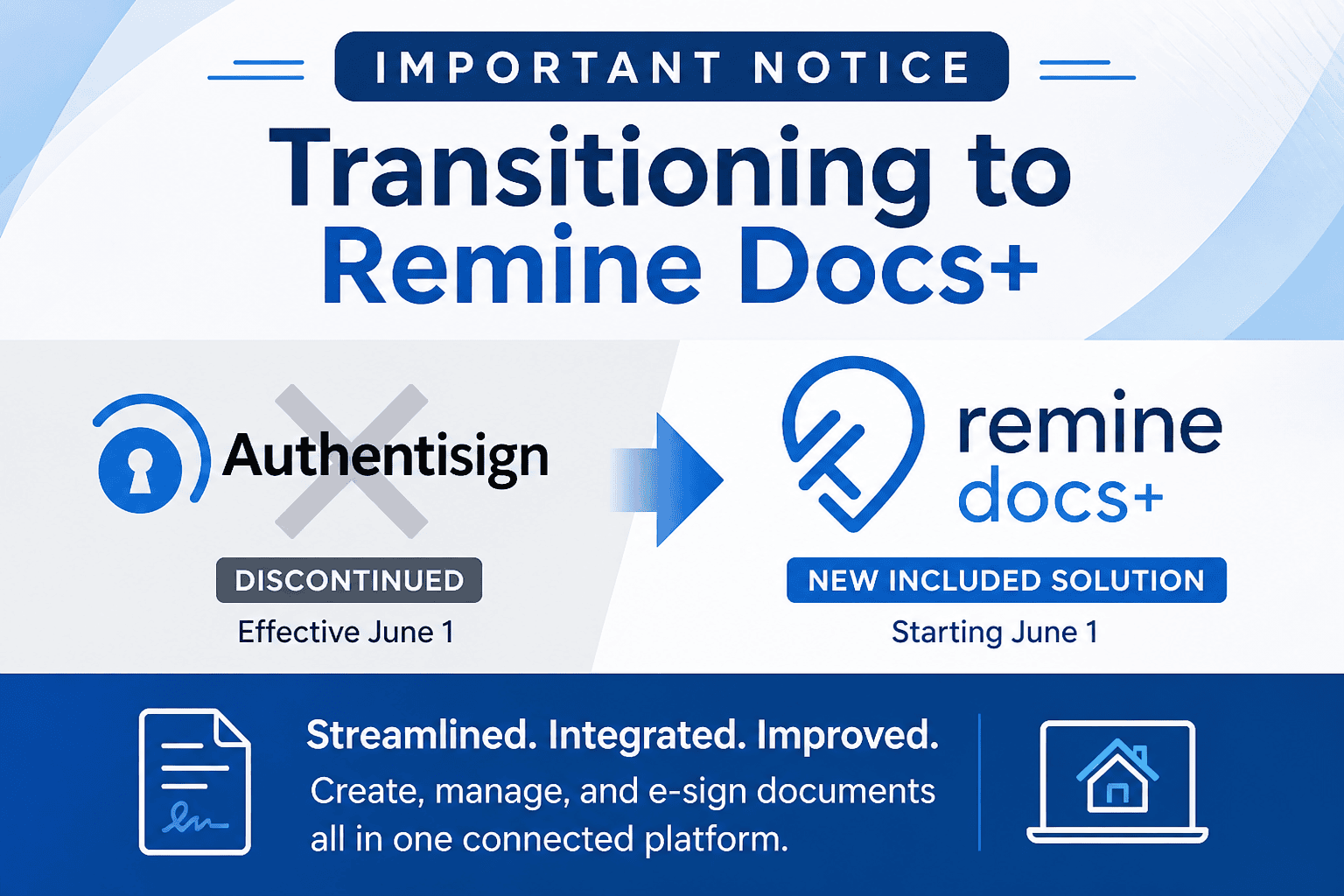
Effective June 1, Hive MLS will discontinue Authentisign as part of its included services and transition to Remine Docs+.
This change introduces a more streamlined, integrated solution that connects directly with MLS data, allowing brokers and agents to create, manage, and sign documents within a single platform. Remine Docs+ offers built-in e-signatures, auto-populated forms, and improved transaction management to help reduce manual work and increase efficiency.
Additional training and resources are below
Wednesday, September 16 | 11:00 AM EDT
Docs+ 101: Core Skills
https://attendee.gotowebinar.com/register/2970171690653623391
Wednesday, September 23 | 11:00 AM EDT
Docs+ for Admins & Brokers
https://attendee.gotowebinar.com/register/5443704516754340956
Wednesday, September 30 | 11:00 AM EDT
Docs+ 201: Best Practices and Pro Tips
https://attendee.gotowebinar.com/register/8765810730358628694
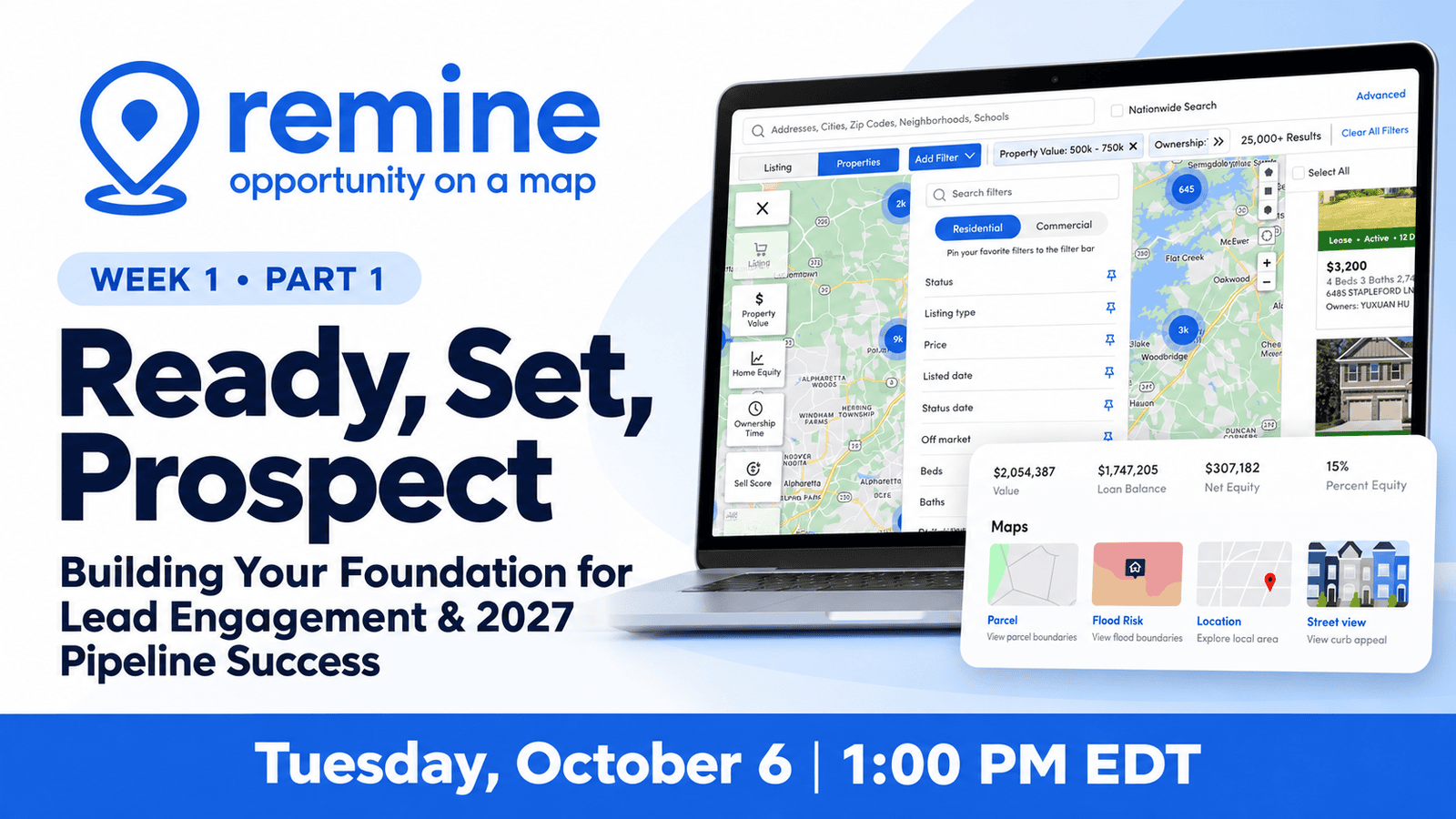
Week 1:
Part 1 – Ready, Set, Prospect: Building Your Foundation for Lead Engagement & 2027 Pipeline Success
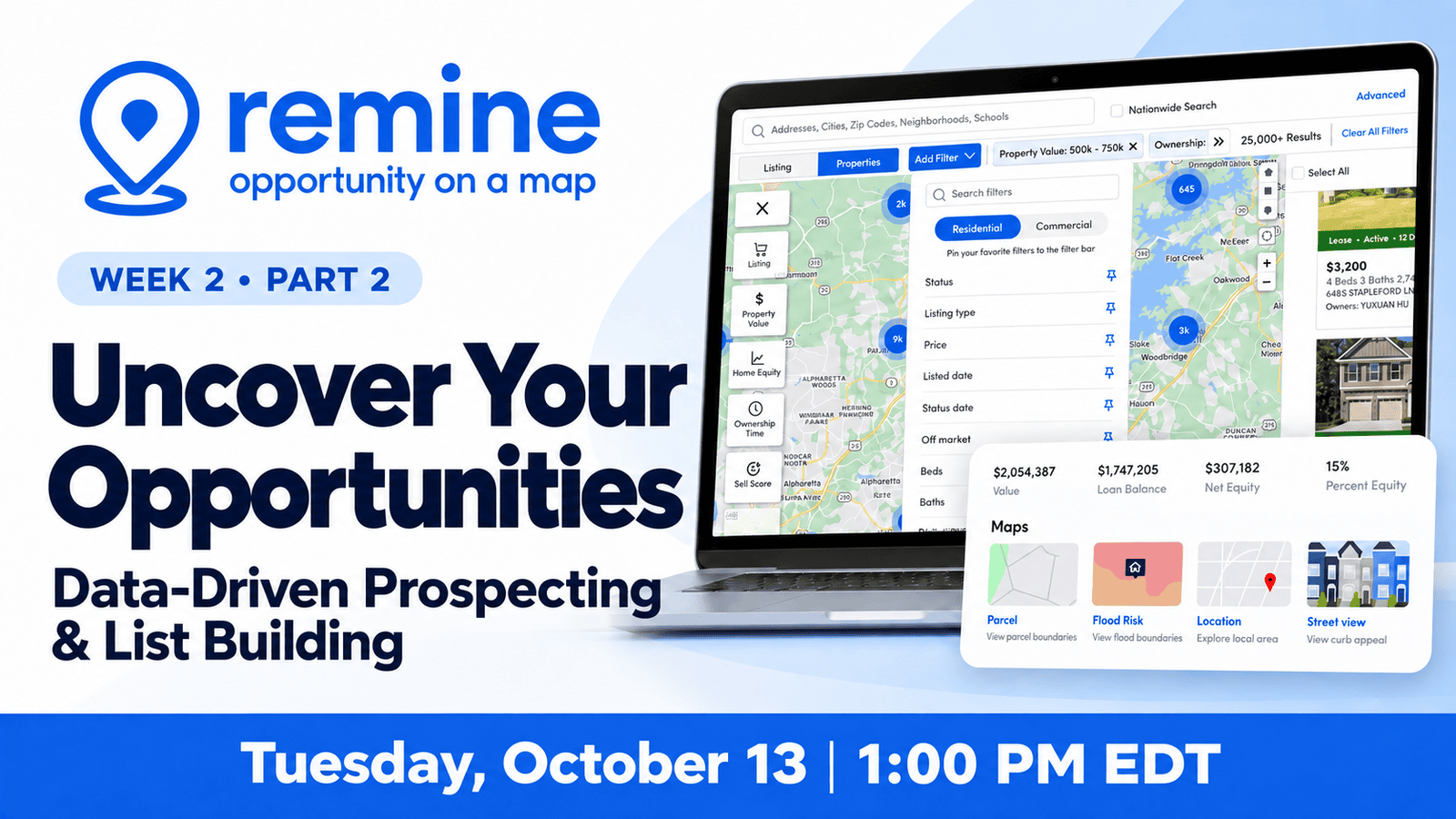
Week 2:
Part 2 – Uncover Your Opportunities: Data-Driven Prospecting & List Building
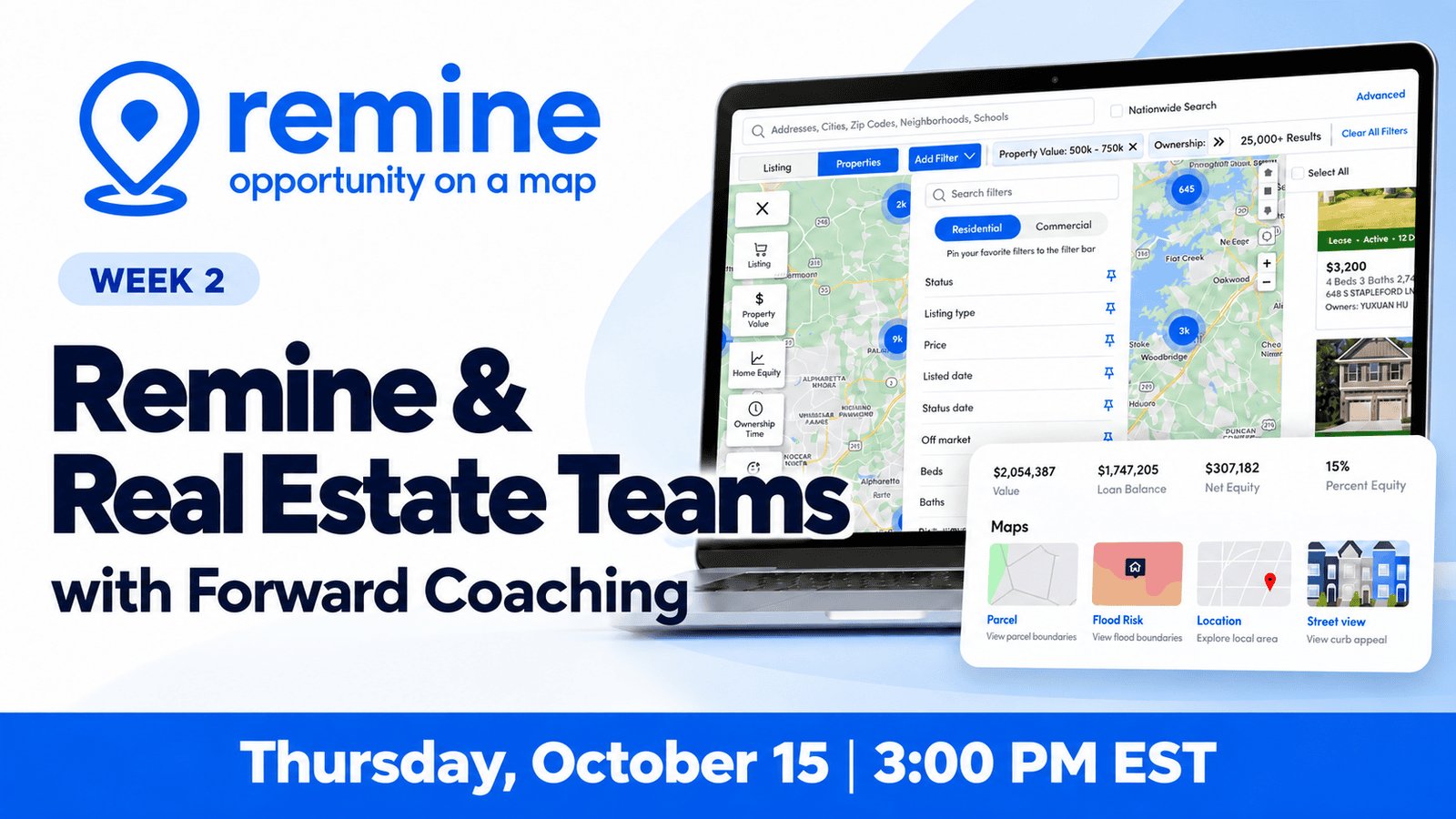
Week 2:
Remine & Real Estate Teams with Forward Coaching
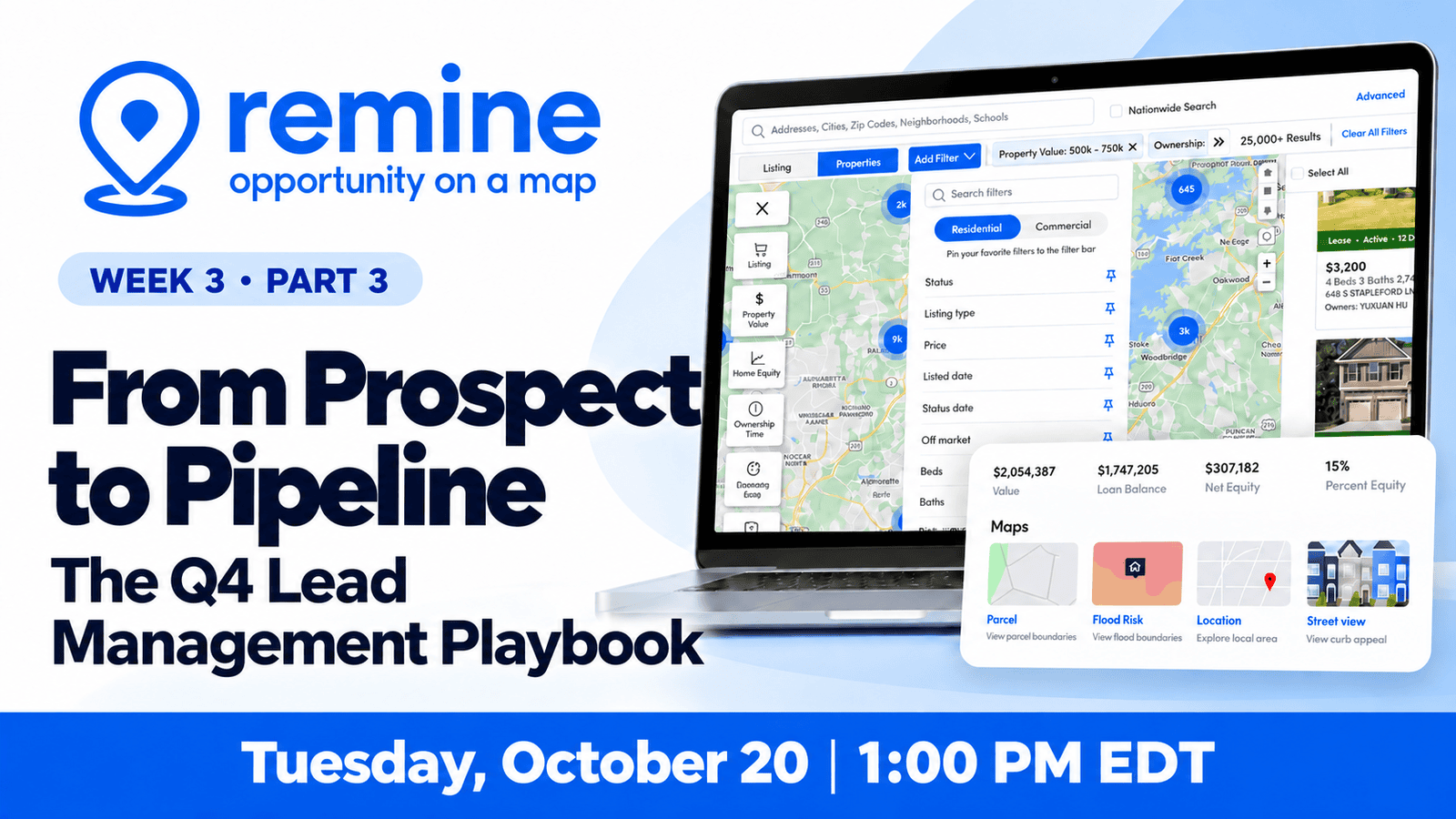
Week 3:
Part 3 – From Prospect to Pipeline: The Q4 Lead Management Playbook
Week 4:
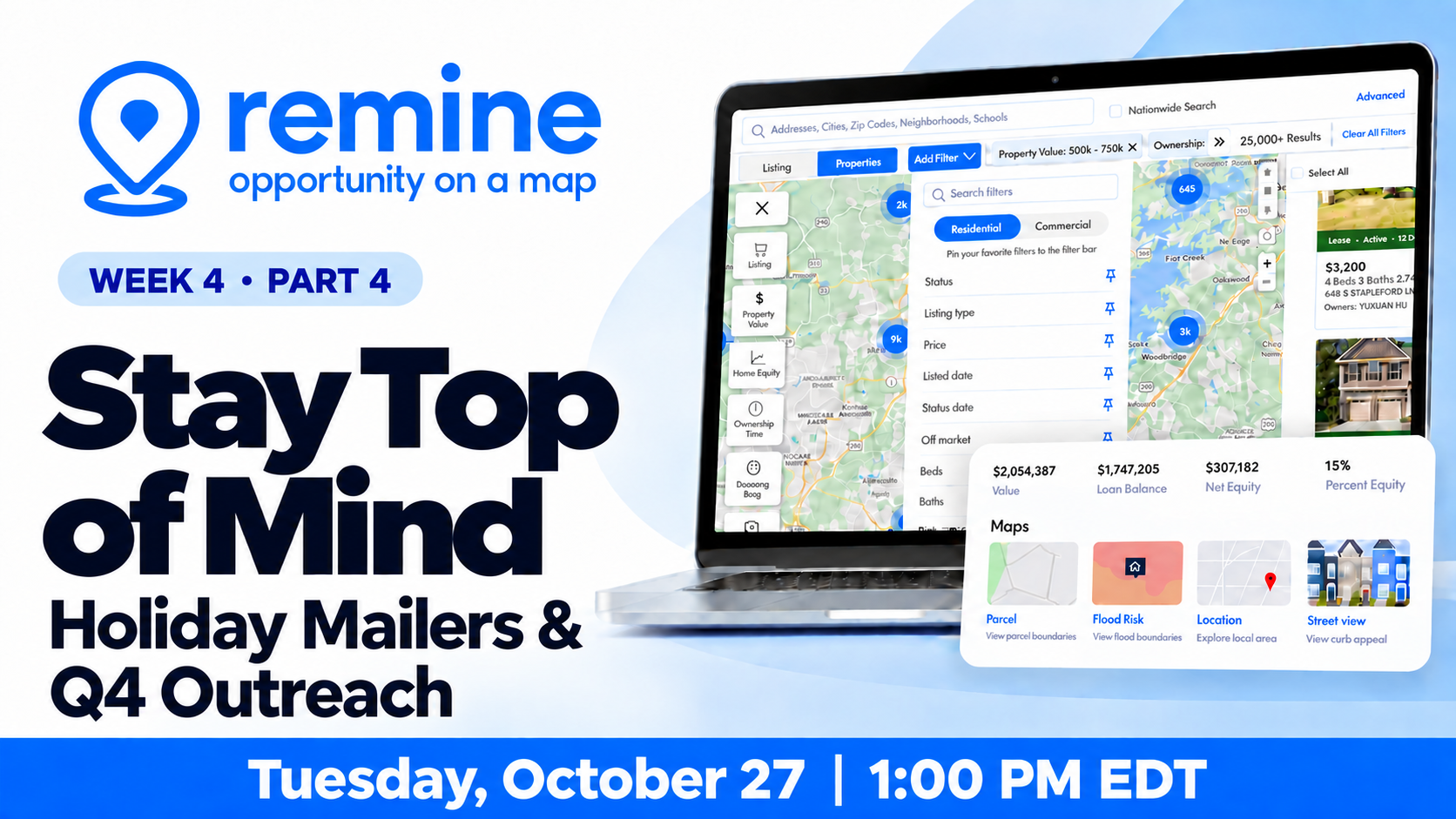
Part 4 – Stay Top of Mind: Holiday Mailers & Q4 Outreach
Discover ways to stay connected with your sphere and prospects through timely holiday mailers and Q4 outreach.
Remine Doc+ FAQs
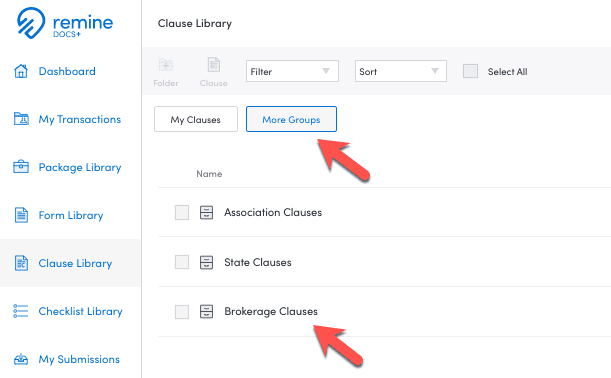
Remine Docs+ provides a complete online forms and e-signature solution in one modern, intuitive platform — eliminating unnecessary complexity and helping your brokerage operate more efficiently.
Training Resources
Set up Account: Step By Step
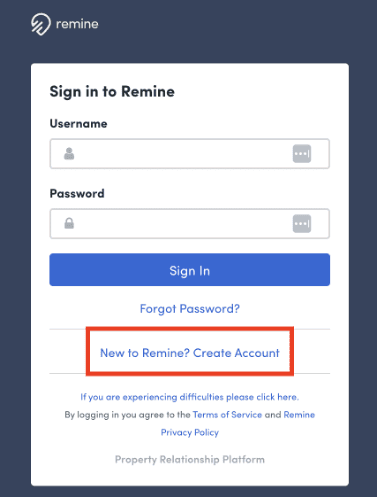
Step - 01
Click the New to Remine? Create Account
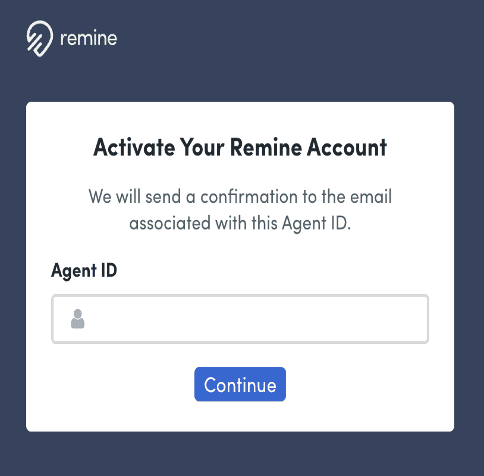
Step - 02
Use your Flex or Matrix Login Credentials
( examples: for users:
- NC : ncr.XXXXXXX,
- AUG GA : aug.XXXXXX,
- Classic GA: CMXXXXXXXX
- Savannah GA: 123456, or NRDS #
...............................
for help:
910.378.4498
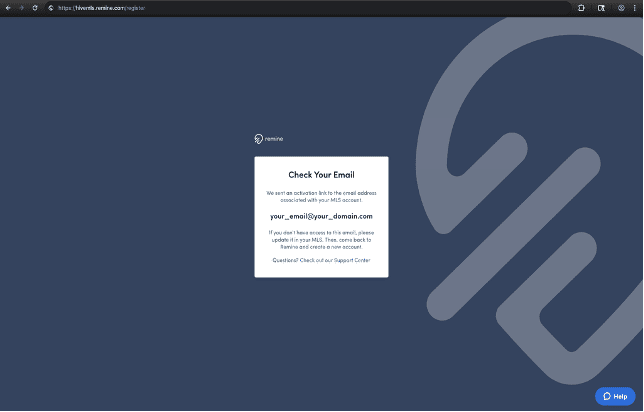
Step - 03
You will receive a confirmation email with active link
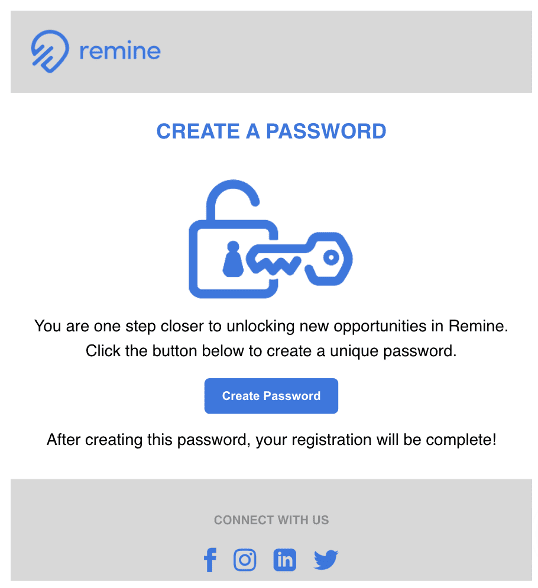
Step - 04
Create a New Password
FAQs
Remine Pro
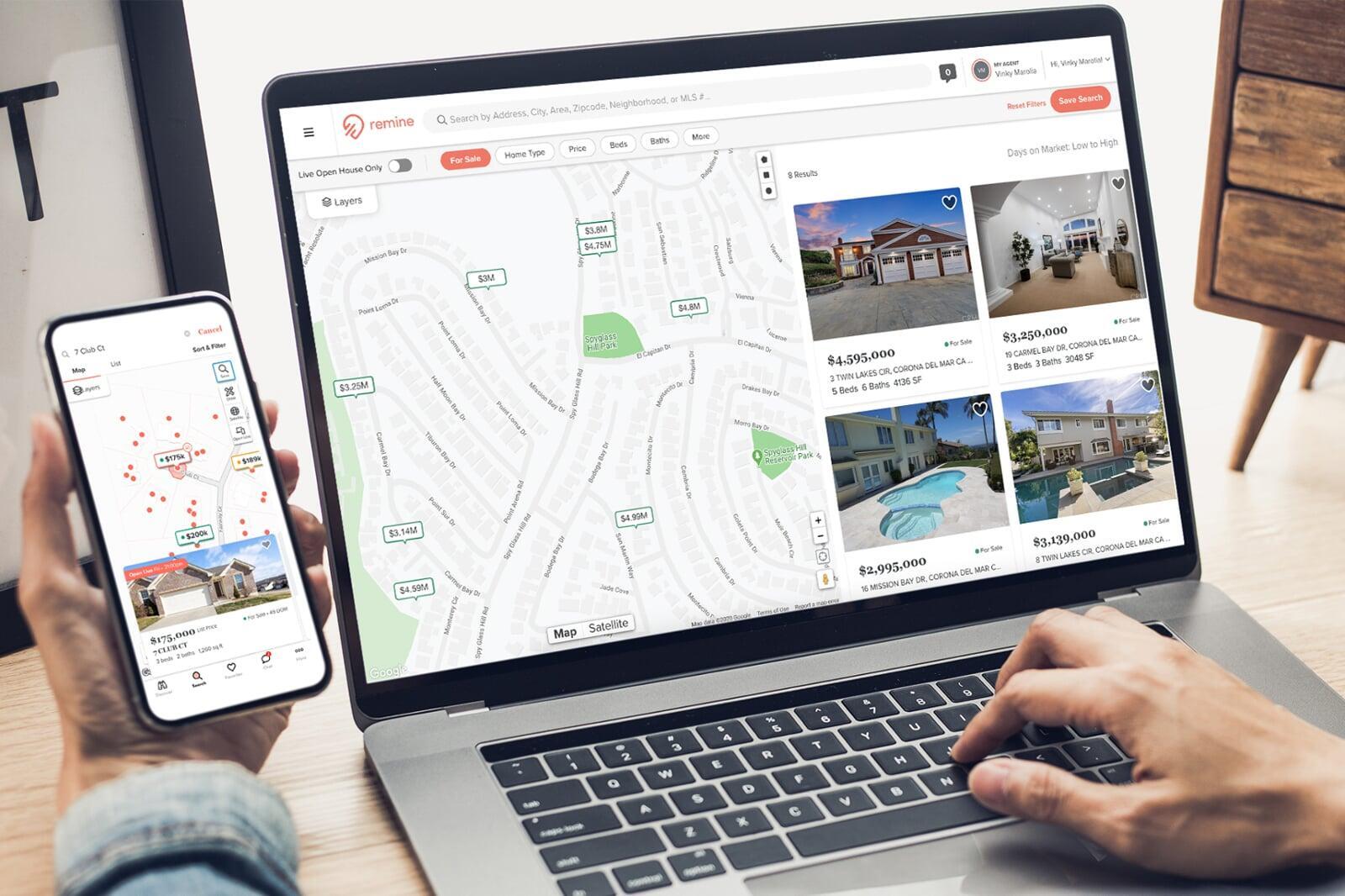
Remine Pro equips Hive MLS brokers and their agents with powerful, map-based insights that transform data into opportunity. By combining public records, MLS data, and consumer insights with predictive analytics, Remine Pro helps your team identify likely sellers, uncover hidden opportunities, and prioritize outreach with confidence.
Docs+
Remine Docs+ provides a complete online forms and e-signature solution in one modern, intuitive platform — eliminating unnecessary complexity and helping your brokerage operate more efficiently.

How To Add Custom Forms
How It Works
Use the Docs+ Requisition Form to submit the forms you want programmed.
Include any forms you’d like added — Word documents or PDFs are accepted.
Download and return the completed requisition form along with your files to this email: forms@remine.com
Pricing
$50 per page for form programming.
What to Expect
Remine will work directly with your broker or office administrator to review forms and confirm costs.
Forms will be programmed in the order they are received, ensuring a smooth and timely setup.