
Coming MAY 5th:   CLAIM YOUR ACCOUNT STARTS April 20

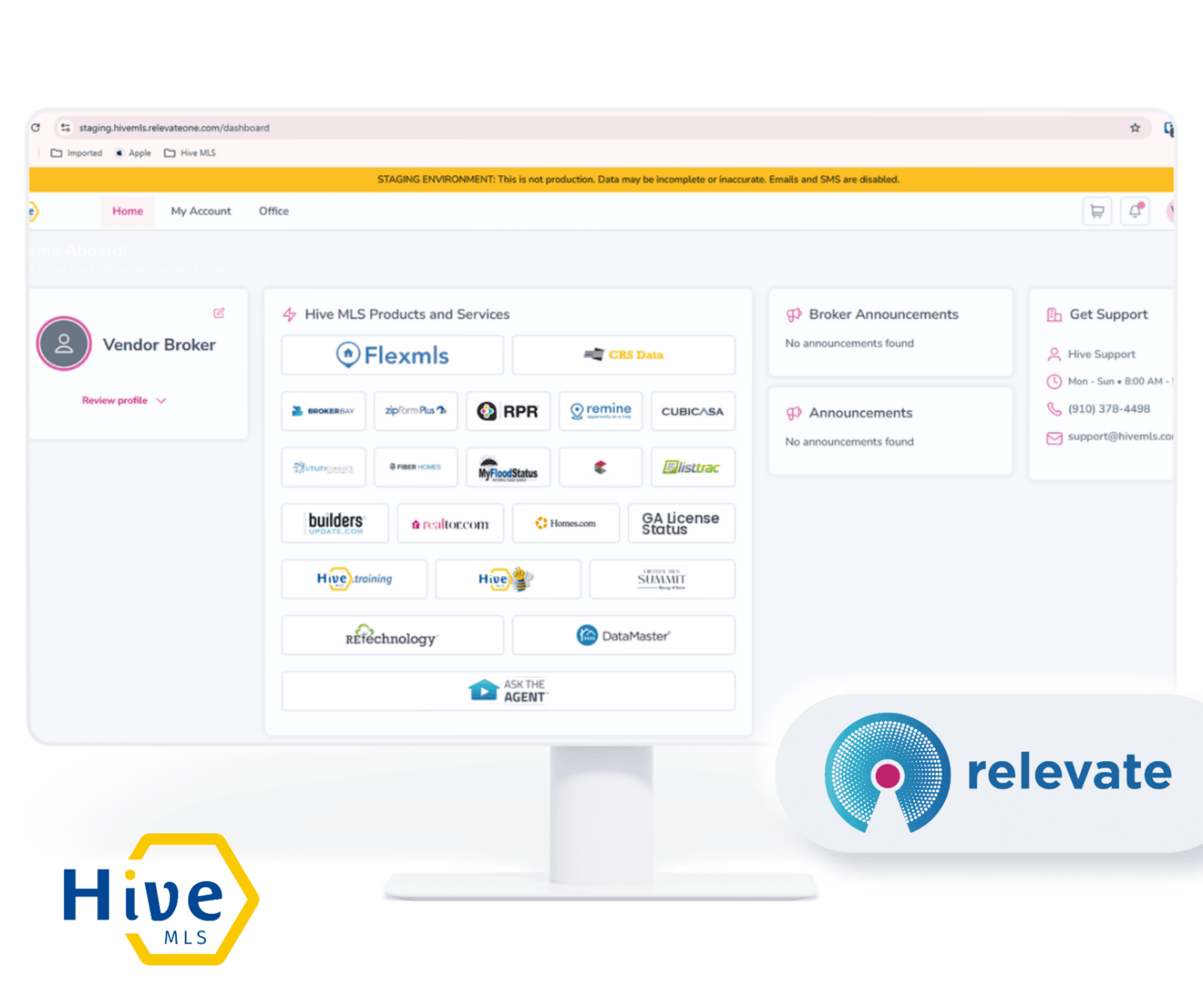
'Welcome to your NEW Hive MLS Member Dashboard

Starting May 5th, all Hive MLS subscribers will transition to a new login and member dashboard. 


The new Hive MLS Member Dashboard launches May 5, and you must pre-claim your account NOW to avoid losing access.

.

Claim Account

PRE-CLAIM starts April 20th
use your Flex or Matrix Login Credentials


for help:


How to Pre-Claim Your Account

A Pre-Claim email:Starting April 20, members will receive a pre-claim email that includes their username. The email will come from info@hivemls.com with the subject line: “Welcome to your NEW Hive MLS Member Dashboard.”   


Note:  This email will automatically resend the system registration email daily to all members who have not yet claimed their account pre and post launch

STEPS
  1. Locate the email
  2. click 'Set Up My Account' button
  3. Subscriber’s MLS Login ID will already filled in as your username
  4. Create and confirm your password
  5. Reenter username and password to finish the process. 
  6. Bookmark for May 5th : https://hivemls.relevateone.com

Cannot Locate The Email:   

  • If you cannot locate the Pre-Claim 'Welcome' email from info@hivemls.com then:

    1. Go to https://hivemls.relevateone.com/claim-account , enter you  MLS Login ID, (use your Flex or Matrix Login Credentials) 
    2. A fresh link will be sent instantly to your email
    3. Locate the email
    4. click 'Set Up My Account' button
    5. Subscriber’s MLS Login ID will already filled in as your username
    6. Create and confirm your password
    7. Reenter username and password to finish the process. 
    8. Bookmark for May 5th : https://hivemls.relevateone.com

    FAQs

    The News is Out! Relevate SSO is all new! Read about it here!: Relevate’s Next Chapter: Introducing the All-New Relevate SSO Dashboard

    You are so much more than your MLS platform, and sometimes you need to remind your customers of that, be they brokers, agents, assistants, or affiliates.

    Relevate SSO is the platform you need to continuously demonstrate your value, highlighting not only the tech tools you provide, but also your education opportunities, events, committees, and so much more.
    Do I need to pay for this new feature?

    No,  Relevate is included as a member benefit for all Hive MLS subscribers at no additional cost.
    How do I claim my account?

  • Starting April 20, members will receive a pre-claim email that includes their username. The email will come from info@hivemls.com with the subject line: “Welcome to your NEW Hive MLS Member Dashboard.”   

    Note:
      This email will automatically resend the system registration email daily to all members who have not yet claimed their account pre and post launch


    STEPS

    1. Locate the email
    2. click 'Set Up My Account' button
    3. Subscriber’s MLS Login ID will already filled in as your username
    4. Create and confirm your password
    5. Reenter username and password to finish the process. 
    6. Bookmark for May 5th : https://hivemls.relevateone.com

    I cannot find the email?

    You can go to https://hivemls.relevateone.com/claim-account  , enter your MLS Login ID, and a fresh link will be sent instantly to their email


    1.Locate the email

    2.click 'Set Up My Account' button

    3.Subscriber’s MLS Login ID will already filled in as your username

    4.Create and confirm your password

    5.Reenter username and password to finish the process. 

    Bookmark for May 5th : https://hivemls.relevateone.com

    For members who pre-registered ?

    May 5th is the day to start using the new dashboard. They can log in now at https://hivemls.relevateone.com

    What is my username?

    Your username is your MLS Login ID. (use your Flex or Matrix Login Credentials)  When you click the setup link, it will already be filled in and locked for you. 

    I don't want to change my login. Do I have to?

    Yes. All members are required to claim a Relevate account to continue accessing the MLS and member benefits. It is a one-time setup that is quick and easy, and your MLS ID is already set as your username, you just need to create a password.

    I can’t access the HIVE MLS member portal. What should I do?

    If you haven’t claimed your account, which launched on May 05, you will need to claim your account first. Go to https;//hivemls.relevateone.com/claim-account and enter your MLS Id. You will receive an email with a link to create your password for the new member portal.

    My listings or history look different. Is this related to the new system?

    No.  The new dashboard does not affect your listings, transaction history, or MLS data. If you are seeing something unexpected, contact Hive MLS support:  call: 910.378.4498 or email: support@hivemls.com

    Is this secure? Why do I have to set up again?

    Yes, it is secure. Relevate uses industry-standard security protocols. You are not providing new personal information — you are creating a password for a login that is already tied to your existing member record.

    I forgot my password. How do I reset it?

    You can reset your password at any time using the self-service password reset on the login page at https://hivemls.relevateone.com Click 'Reset password,' enter your email address, and follow the instructions. You do not need to contact support for a password reset.