
How to Sign In to Ocusell
Accessing your Ocusell account is easy. Simply click the Ocusell tile on your Hive MLS dashboard. http://hivemls.relevateone.com/
The tile uses Single Sign-On (SSO), so you will be automatically signed in to your RealReports account—no additional username or password is needed.
How to Get Started with Ocusell List™
New to Ocusell List™? Watch this introductory video to learn the basics, explore the platform, and get ready to create your first listing.
Webinars
new Meet Ocusell: A Smarter Way to Enter and Publish Listings in Hive MLS
Ocusell List is free for all Hive subscribers as a member benefit. Register today to see it in action!|
Agent Training
Tuesday, Oct 27th @1pm EST: Registration link
Thursday, Oct. 29th @ 1pm EST:Registration link
Admin Training
Tuesday, Oct 27th @10am EST: Registration link
Wednesday, Oct 28th 12pm EST:Registration link
Create Once, List Everywhere.
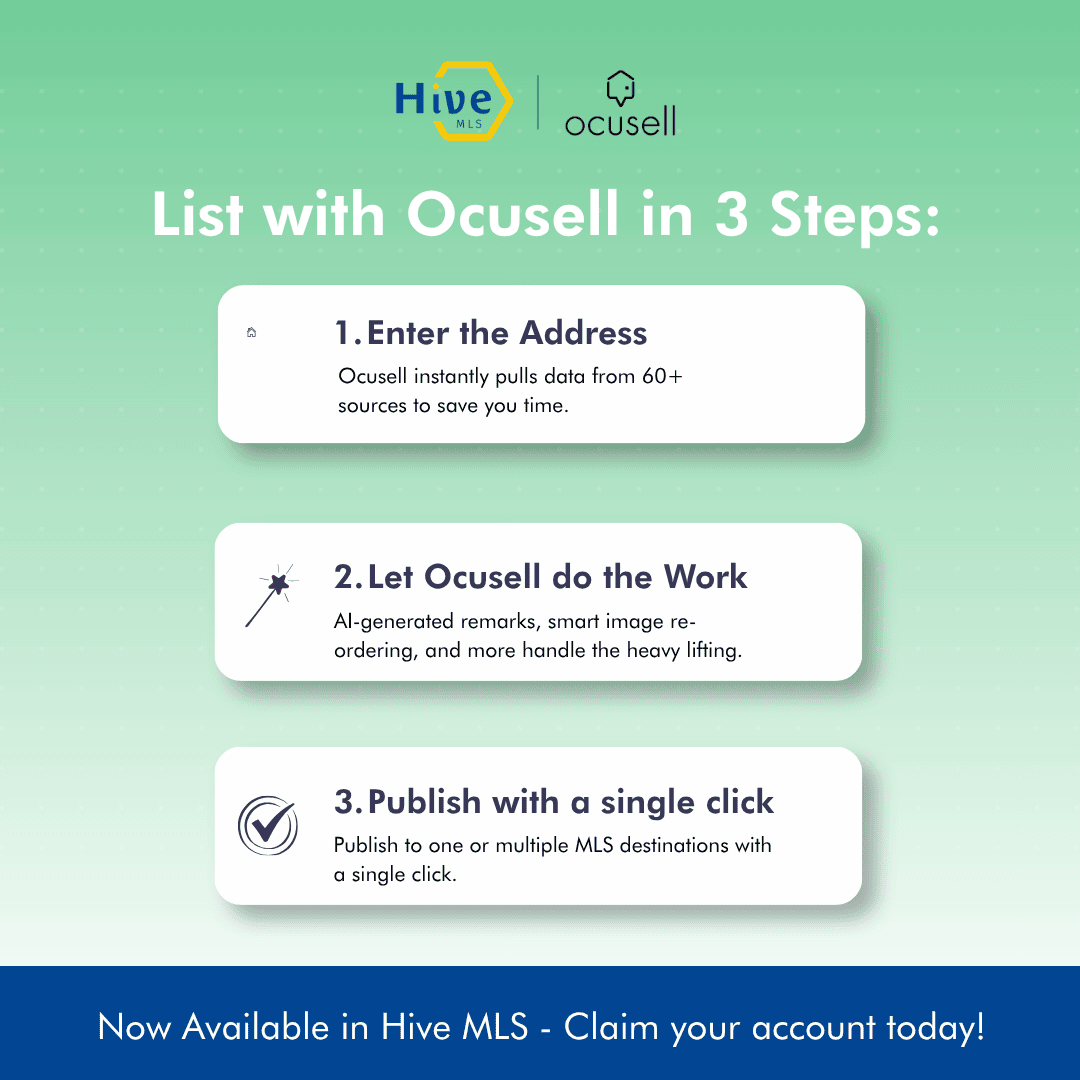
Ocusell offers an intuitive way for agents or listing assistants to enter and publish listings in Hive and other MLSs in the Ocusell network.
Main Features:
- Autofill up to 60% of the data fields from trusted data sources
- Easy-to-Use Interface: completed listing sections turn green
- Manage listings in a centralized dashboard
- Simultaneously publish to other MLSs on the network if you are a subscriber
- Built-in compliance checks for less chance of fines
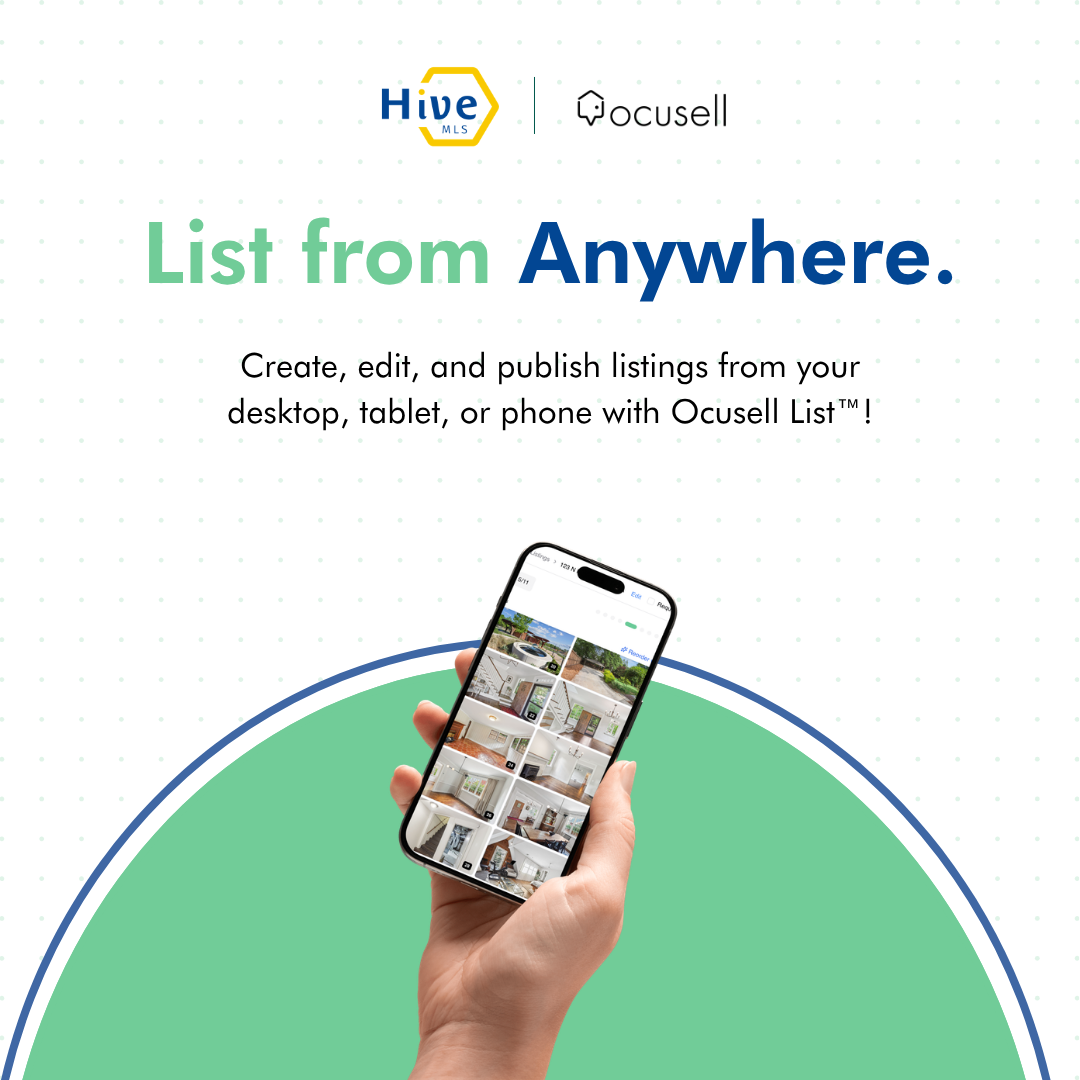
- Easier photo management including drag-and-drop uploads and easy re-ordering with auto generated photo captions
- Create public remarks with an optional AI tool (fair housing compliant)
- Compatible on any device